No more YouTube algorithm
I have to admit, YouTube eats up a good chunk of my day.
When I watch one video, I get sucked in by the suggestions, and instead of just staying for a 15-minute video, I always find myself still glued to the screen 30 minutes later.
Let’s start a little experiment. Since I have no self-control, I need technology to help me out.
For the next few days, I’ve configured my apps to avoid being subjected to the YouTube algorithm.
To do this, I’m relying on three essential building blocks:
- Kagi, an ad-free search engine
- RedirectWeb, a browser extension that redirects URLs based on custom rules
- Skipcut, a website that blocks ads and suggestions
This setup allows me to do two things:
Watch Videos in Skipcut
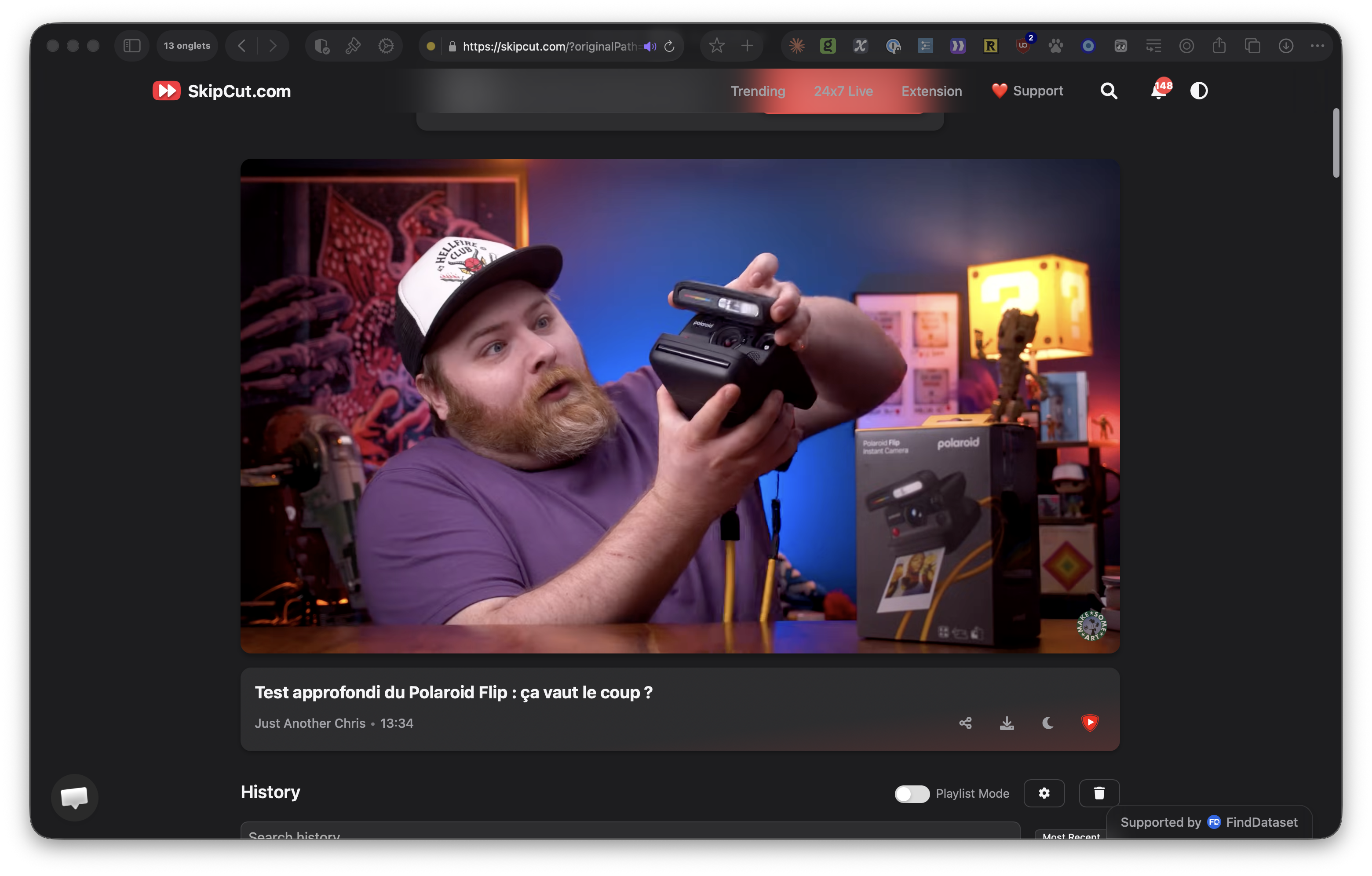
Skipcut is a website that removes all ads and suggestions. This will prevent me from clicking on the video that YouTube is suggesting on the same topic (or not).
To make this work, I apply the following rules:
In RedirectWeb
Whenever I want to access a video link, RedirectWeb redirects me to Skipcut:
- Redirect from
https://www\.youtube\.com/(.+) - Redirect to
https://skipcut.com/$1
In Kagi
From Kagi’s video search results page, I want to be redirected to Skipcut when I click on a video. In Kagi’s advanced preferences, you can configure redirects. Just use the following: ^https://www.youtube.com|https://skipcut.com
Use Kagi’s video search instead of YouTube’s homepage
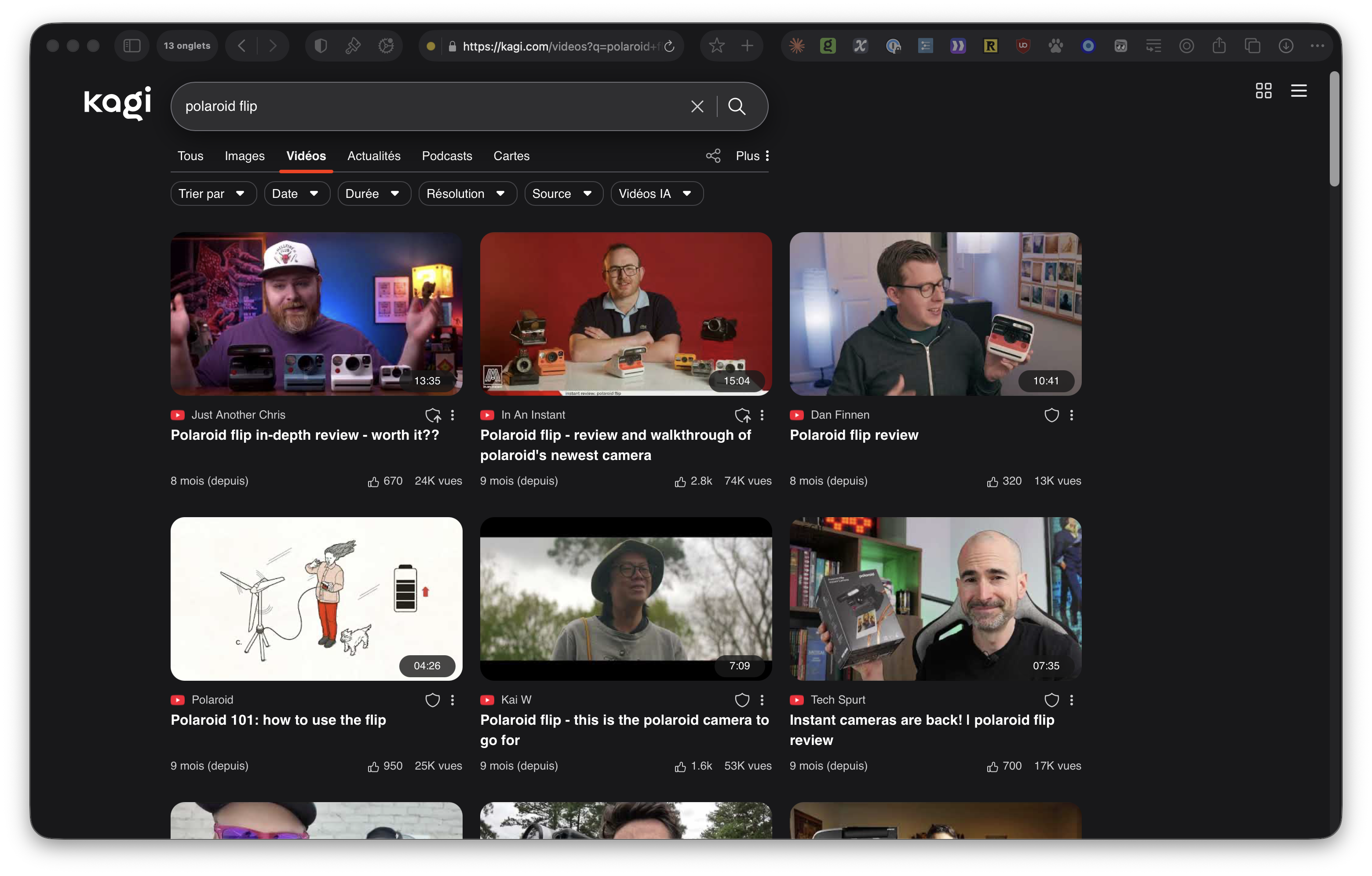
Instead of going to the YouTube homepage, I want to land on the video search page of the Kagi search engine. This will require me to be more deliberate in choosing the videos I want to watch by conducting targeted searches.
To do this, I use the following rule:
- Redirect from
https://www\.youtube\.com/?$ - Redirect to
https://kagi.com/videos?q=